
ANLEITUNGEN
HELME
Integral-Helme
Klapp-Helme
Halbschalen-Helme
Helme für Kinder
ANLEITUNGEN THUNDER GP AERO


Wählen Sie Ihre Sprache für Untertitel über die Schaltfläche „Einstellungen" im YouTube-Player-Fenster (Zahnradsymbol)
ANLEITUNGEN DRAGON


Wählen Sie Ihre Sprache für Untertitel über die Schaltfläche „Einstellungen" im YouTube-Player-Fenster (Zahnradsymbol)
ANLEITUNGEN VECTOR II CARBON


Wählen Sie Ihre Sprache für Untertitel über die Schaltfläche „Einstellungen" im YouTube-Player-Fenster (Zahnradsymbol)
ANLEITUNGEN VECTOR II
Wählen Sie Ihre Sprache für Untertitel über die Schaltfläche „Einstellungen" im YouTube-Player-Fenster (Zahnradsymbol)
ANLEITUNGEN STREAM II
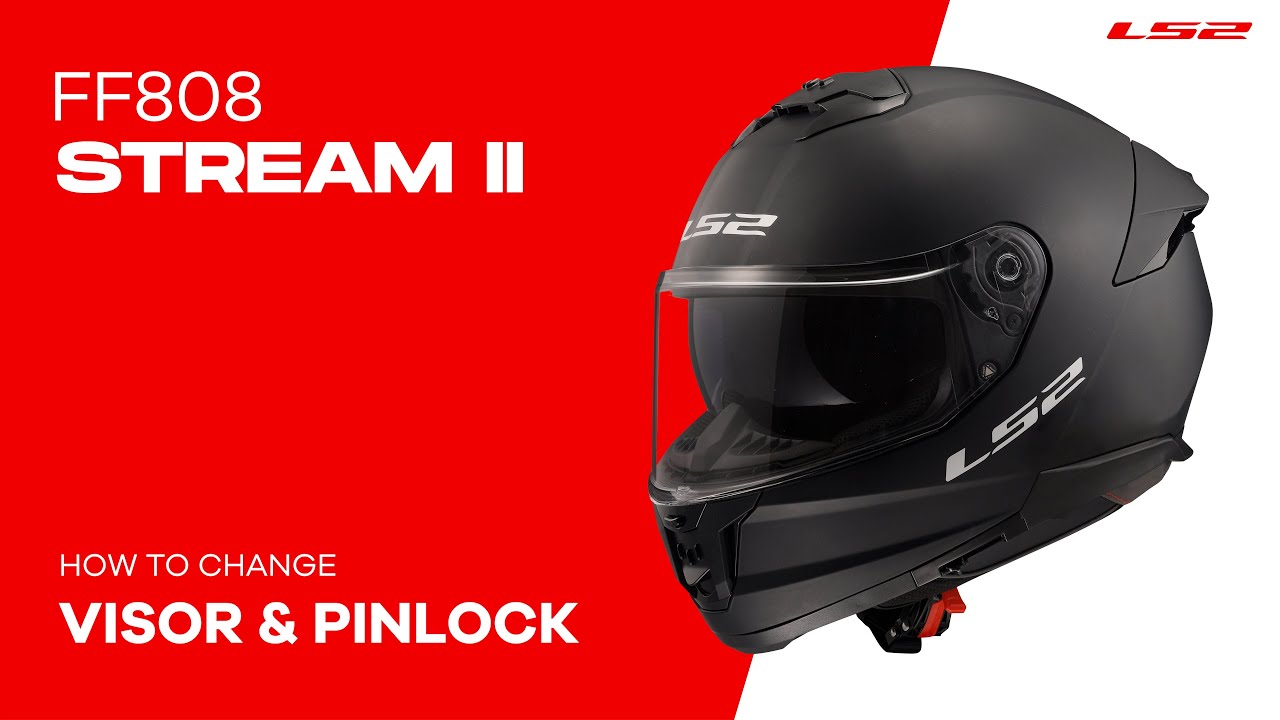
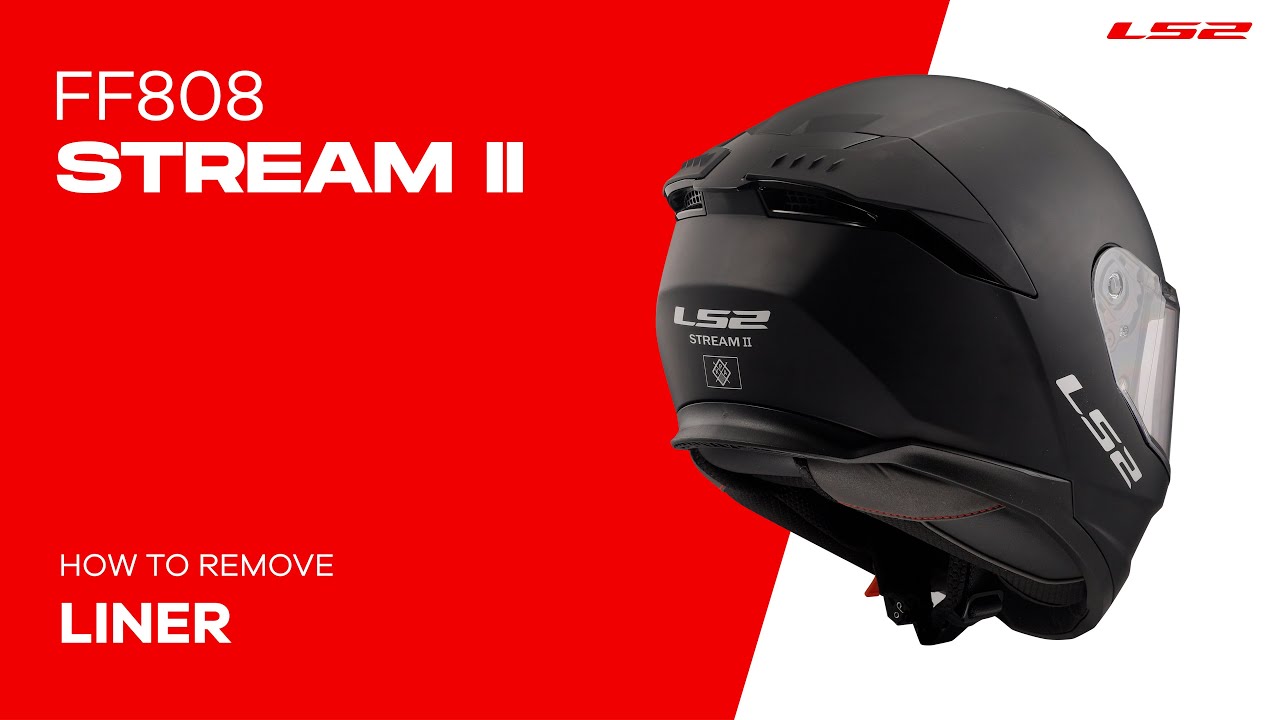
Wählen Sie Ihre Sprache für Untertitel über die Schaltfläche „Einstellungen" im YouTube-Player-Fenster (Zahnradsymbol)
ANLEITUNGEN ADVANT X CARBON


Wählen Sie Ihre Sprache für Untertitel über die Schaltfläche „Einstellungen" im YouTube-Player-Fenster (Zahnradsymbol)
ANLEITUNGEN ADVANT X
Wählen Sie Ihre Sprache für Untertitel über die Schaltfläche „Einstellungen" im YouTube-Player-Fenster (Zahnradsymbol)
ANLEITUNGEN ADVANT II


Wählen Sie Ihre Sprache für Untertitel über die Schaltfläche „Einstellungen" im YouTube-Player-Fenster (Zahnradsymbol)
ANLEITUNGEN ADVANT


Wählen Sie Ihre Sprache für Untertitel über die Schaltfläche „Einstellungen" im YouTube-Player-Fenster (Zahnradsymbol)
ANLEITUNGEN SCOPE II


Wählen Sie Ihre Sprache für Untertitel über die Schaltfläche „Einstellungen" im YouTube-Player-Fenster (Zahnradsymbol)
ANLEITUNGEN STROBE II


Wählen Sie Ihre Sprache für Untertitel über die Schaltfläche „Einstellungen" im YouTube-Player-Fenster (Zahnradsymbol)
ANLEITUNGEN INFINITY II CARBON


Wählen Sie Ihre Sprache für Untertitel über die Schaltfläche „Einstellungen" im YouTube-Player-Fenster (Zahnradsymbol)
ANLEITUNGEN INFINITY II
Wählen Sie Ihre Sprache für Untertitel über die Schaltfläche „Einstellungen" im YouTube-Player-Fenster (Zahnradsymbol)
ANLEITUNGEN CLASSY


Wählen Sie Ihre Sprache für Untertitel über die Schaltfläche „Einstellungen" im YouTube-Player-Fenster (Zahnradsymbol)
ANLEITUNGEN COPTER II


Wählen Sie Ihre Sprache für Untertitel über die Schaltfläche „Einstellungen" im YouTube-Player-Fenster (Zahnradsymbol)
ANLEITUNGEN SPHERE LUX II

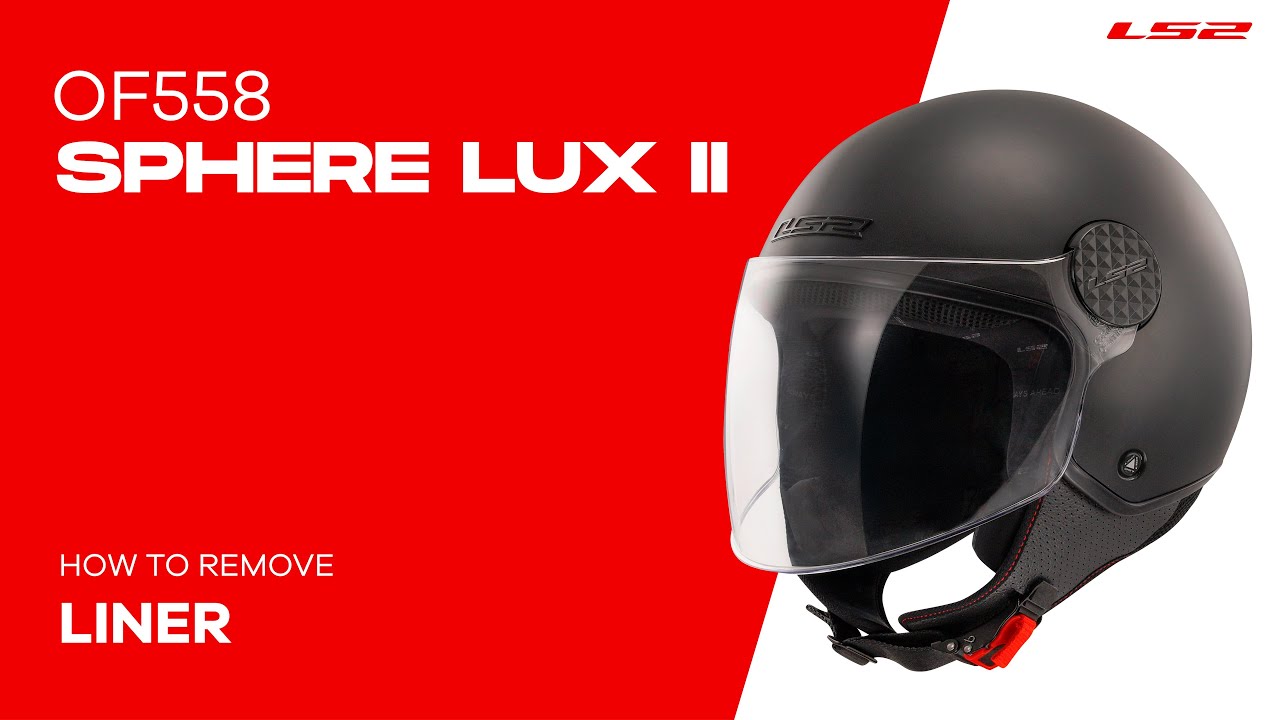
Wählen Sie Ihre Sprache für Untertitel über die Schaltfläche „Einstellungen" im YouTube-Player-Fenster (Zahnradsymbol)
ANLEITUNGEN AIRFLOW II


Wählen Sie Ihre Sprache für Untertitel über die Schaltfläche „Einstellungen" im YouTube-Player-Fenster (Zahnradsymbol)
ANLEITUNGEN FAST II

Wählen Sie Ihre Sprache für Untertitel über die Schaltfläche „Einstellungen" im YouTube-Player-Fenster (Zahnradsymbol)
ANLEITUNGEN EXPLORER CARBON


Wählen Sie Ihre Sprache für Untertitel über die Schaltfläche „Einstellungen" im YouTube-Player-Fenster (Zahnradsymbol)
ANLEITUNGEN EXPLORER
Wählen Sie Ihre Sprache für Untertitel über die Schaltfläche „Einstellungen" im YouTube-Player-Fenster (Zahnradsymbol)
ANLEITUNGEN PIONEER II
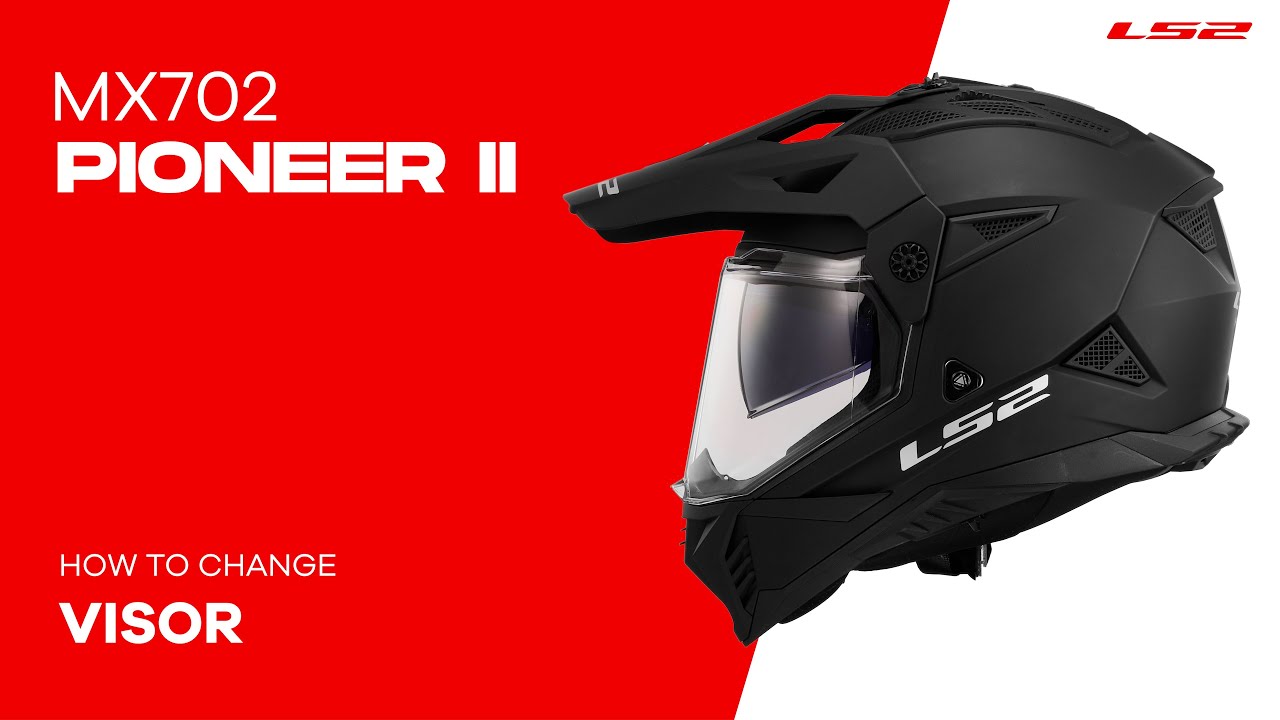

Wählen Sie Ihre Sprache für Untertitel über die Schaltfläche „Einstellungen" im YouTube-Player-Fenster (Zahnradsymbol)
ANLEITUNGEN KID
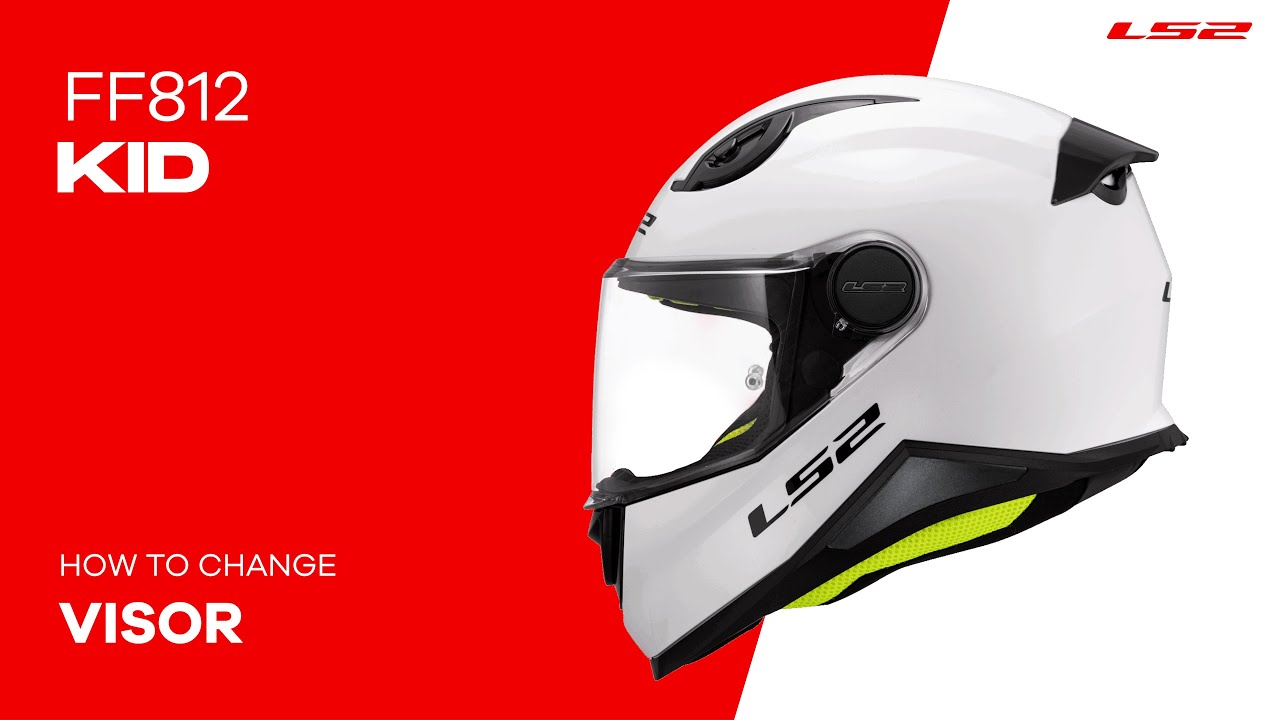
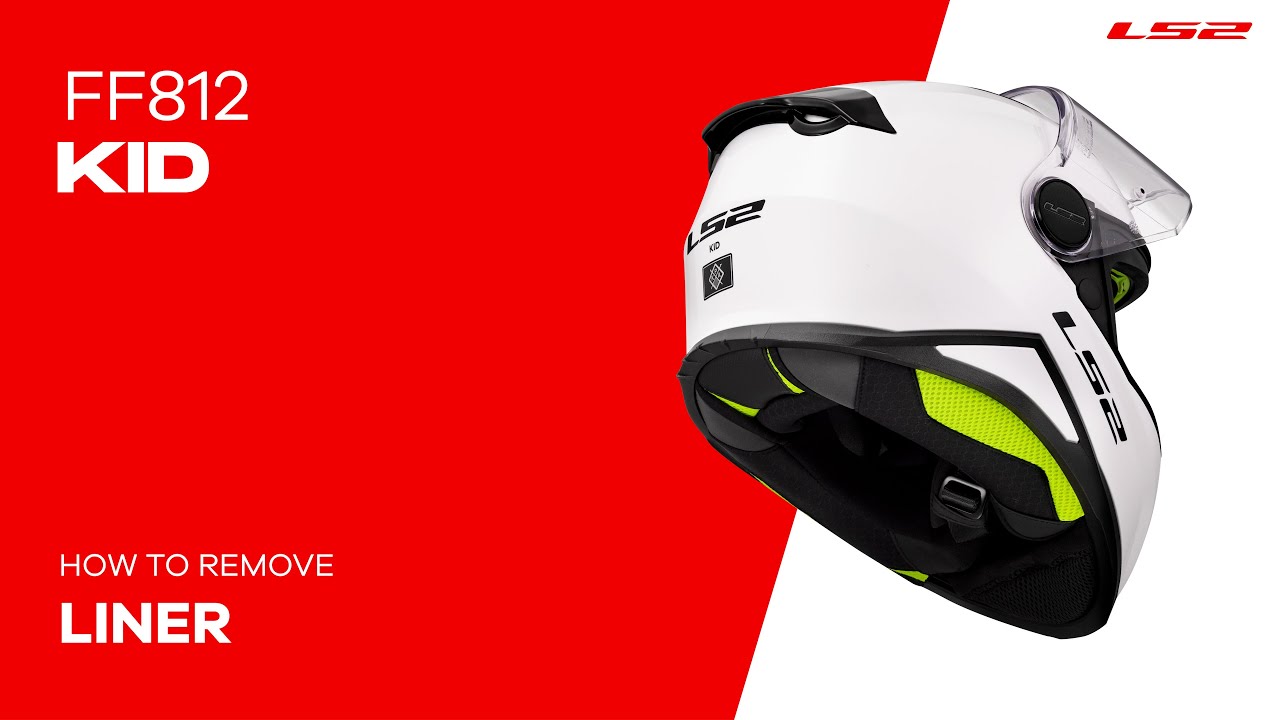
Wählen Sie Ihre Sprache für Untertitel über die Schaltfläche „Einstellungen" im YouTube-Player-Fenster (Zahnradsymbol)
ANLEITUNGEN FUNNY II


Wählen Sie Ihre Sprache für Untertitel über die Schaltfläche „Einstellungen" im YouTube-Player-Fenster (Zahnradsymbol)